
How do you make a BYOD video bar wireless without paying more than the bar itself costs? Barco, MAXHUB and Mago compared
I remember when my UC and AV presales guru introduced me to MAXHUB. I ran to talk to the vendor representative locally, and we had an amazing meeting. At the time I was looking for a way to turn the Jabra PanaCast 50, the BYOD video bar I love, into a wireless solution without breaking the bank. Barco was the obvious name, and Barco’s pricing was more expensive than the video bar itself. That is where MAXHUB came in, an OEM racing ahead to launch quality products at very friendly budgets, starting with their dongles. The rest is history, and it is also the reason I wanted to write this post properly, because the story taught me that a wireless dongle and a wireless meeting room are two different purchases.
What does wireless joining actually solve?
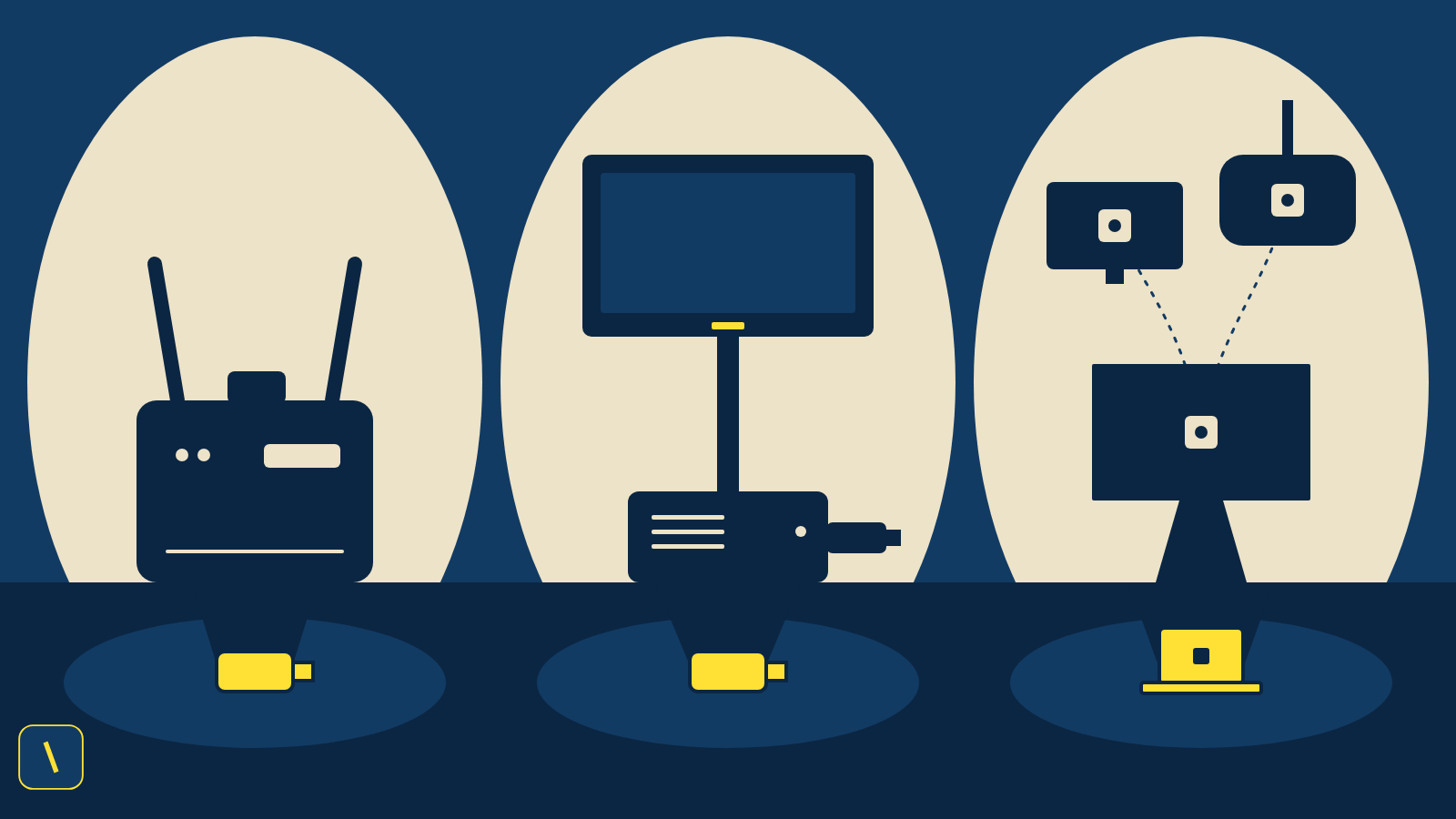
A BYOD room like the PanaCast 50 works by plugging one USB cable into your laptop, and that cable brings in the camera, the microphones, the speaker, and the screen. It is simple and it works, and it also leaves a cable on the table that somebody has to find, carry, and plug in at the start of every meeting. Wireless joining removes that cable. The idea is often called BYOM, bring your own meeting: you connect your laptop to the room wirelessly, the room’s camera, microphones, and speaker carry the call, and the content lands on the screen. Three names come up over and over when a customer asks for this in the Gulf: Barco, MAXHUB, and Mago. They solve the same problem in three quite different ways.
What did Barco solve first, and what does it cost?
Barco launched ClickShare in 2012 as a small USB button that shares your screen wirelessly, and the company has spent years building the patents and installed base around it. I covered that history in my post on Barco and its patents. For a room that needs the conferencing version, the ClickShare CX-30 is the model most people mean. It connects a laptop to the room’s cameras, microphones, speakers, and display, handles up to two people sharing at once at 4K 30 frames per second, and works up to 30 meters between the Button and the base unit. The Desktop App is optional, so a guest can join with the Button or the mobile app without installing anything.
The price is where my own story comes from. Barco does not publish a price on its product page, but a US retailer lists the CX-30 Gen 2 with two Buttons at about 2,482 US dollars. The PanaCast 50 video bar sits at around 1,447 US dollars in the numbers I used in my HDMI bypass post. That is one retailer listing and not a Gulf channel price, so your quote will differ, but it matches what I saw on the ground: the wireless piece can cost more than the video bar it is supposed to free from a cable.
Where did MAXHUB come in?
MAXHUB‘s answer is the WT13 dongle. It pairs in about five seconds over Wi-Fi 6, supports up to eight connected devices with four shown on screen at once, and has NFC for phones. The MAXHUB datasheet lists a transmission delay of 120 milliseconds or less, and an independent test I cited in my MAXHUB post measured about 90 milliseconds. The version that matters for meeting rooms is the WT13M, since MAXHUB states that BYOM only works with it and not with the WT13S.
Here is the lesson I learned the practical way. I pitched a customer to replace their existing Barco CX-30 with the MAXHUB WT13M. I had a demo unit from the manufacturer, and I was confident, until I looked closer at the room. The screen carried a model plate that matched a MAXHUB model number, but on inspection it was a third-party panel with no MAXHUB Share app and no MAXHUB branding in its system. The WT13M is not a standalone dongle. MAXHUB’s datasheet lists it as compatible only with specific MAXHUB products, and it needs a MAXHUB receiver on the other end. So the demo waited until I had a MAXHUB wireless box, because that panel needed one. The dongle is cheap. The system around it is what you have to count.
Where does Mago fit?
Mago is a different kind of answer, and I wrote about it in my post on Mago. It is mainly software that puts the same one-touch join experience on top of mixed room hardware from different vendors. Its wireless sharing runs through a WebRTC connection, works from a browser or the mobile apps, and, according to its documentation, does not depend on mDNS, Bonjour, multicast, or Wi-Fi Direct, which matters on locked-down corporate networks. That makes Mago interesting when a company has rooms from three different brands and wants one experience across all of them, and less interesting when you simply want the cheapest way to cut one cable in one room. I have not verified Mago’s pricing, so ask for a quote before you compare it with the other two.
So which one should you pick?
This is my read after living with the question, and I have not tested all three side by side in the same room. Choose Barco when the customer wants the established standard with app-free joining and the budget allows for it. Choose MAXHUB when budget is the deciding factor and you are comfortable buying into its receiver and display ecosystem, and check what is already on the wall before you promise anything. Choose Mago when the fleet is mixed-brand and the real goal is one consistent join experience for the whole company. Whichever you choose, quote the whole system and not the dongle: the button or dongle, the base unit or receiver, and the screen it has to work with.
Is a room with no cables at all realistic?
Mostly, but not always. Wireless adds a dependency on the network, and a cable does not care how busy the Wi-Fi is. For a boardroom where every meeting matters, I still like a well-placed USB-C connection as a fallback, and I wrote about a practical way to build that in the USB-C hub post. For the everyday room where people walk in with a laptop and want to start, wireless removes the friction that makes people give up and join from their desk. The best rooms I have seen offer both. If you’re weighing wireless joining for your own rooms, our consultation page is a good place to work through the actual system cost, not just the dongle price.
If you made it this far, thank you. I’d genuinely like to know what you think. Please leave a comment or reach out, whether it’s a topic I should cover, a different angle on something I’ve already written, on-ground experience from your own market, or a deeper technical breakdown you’re missing. This will get better because of what you tell me.
Sources
- Barco: ClickShare CX-30 product page
- B&H: Barco ClickShare CX-30 Gen 2 listing and specifications
- MAXHUB WT13M datasheet
- MAXHUB: WT13 wireless dongle page
- Mago knowledge base: Mago Link wireless screen sharing
- UCC Technologia: Barco invented the wireless-meeting dongle
- UCC Technologia: MAXHUB’s wireless dongle is clever, is the rest of the brand?
- UCC Technologia: Who is Mago?
- UCC Technologia: why Jabra took until 2026 to bring HDMI bypass to a BYOD video bar
- UCC Technologia: USB-C hubs, the BYOD secret weapon